
From the Speech Pathology Resources archive. View the original article →
Between PD logs, therapy sessions, client emails, and trying to remember which journal article you meant to read last week... it’s easy to feel like you're constantly playing catch-up.
That’s where Chat GPT’s Task Scheduler comes in—a quiet but powerful feature that acts like your own digital assistant, keeping track of what matters while you focus on your clients (or take a well-earned coffee break).
What is the Task Scheduler?
Scheduled tasks let you ask ChatGPT to run a prompt or reminder later or on a recurring schedule, where the feature is available in your account.
Check that the task has been created, confirm its time and time zone, and choose the notification channels available in your settings. An email or push notification depends on those settings and permissions.
No extra apps. No integrations. Just you and your AI assistant keeping things in check.
Why SLPs Are Loving It
The real beauty of this tool? It works while you rest.
Instead of relying on sticky notes or scattered reminders, you can automate the mental load and let Chat GPT take care of recurring tasks and gentle nudges.
Imagine this: you're at the park with your kids, or walking between sessions, and an email arrives saying:
“Here’s your early literacy article summary for the week. Enjoy!”
It’s like magic. But better... it’s scheduled AI.
How Speech Pathologists Can Use It
Here are some of the top ways clinicians are already using this feature:
Research & Evidence-Based Practice
-
“Send me a summary of a journal article on AAC every Monday.”
-
“Look for new studies about gestalt language and email a bullet point summary.”
-
“Remind me to check for SPA newsletter updates every Friday.”
Therapy Planning & Resources
-
“Find farm animal themed activities and email them next Thursday.”
-
“Send me 3 new phonological awareness games each fortnight.”
-
“Prep a session plan for autumn vocabulary—due in 1 week.”
Organisation & Admin
-
“Remind me in 2 weeks to update my PD log.”
-
“Prompt me to review service agreements at the start of each term.”
-
“Remind me to send a follow-up email to a client on Friday.”
Parent & Team Communication
-
“Remind me to draft a teacher update using my approved clinical system.”
-
“Remind me to prepare the goals summary for our team meeting.”
Self-Care Prompts
-
“Send me a daily affirmation at 8:30am.”
-
“Remind me to take a 10-minute break after every 2 sessions.”
-
“Nudge me on Fridays to plan something fun for the weekend.”
How to Use It
-
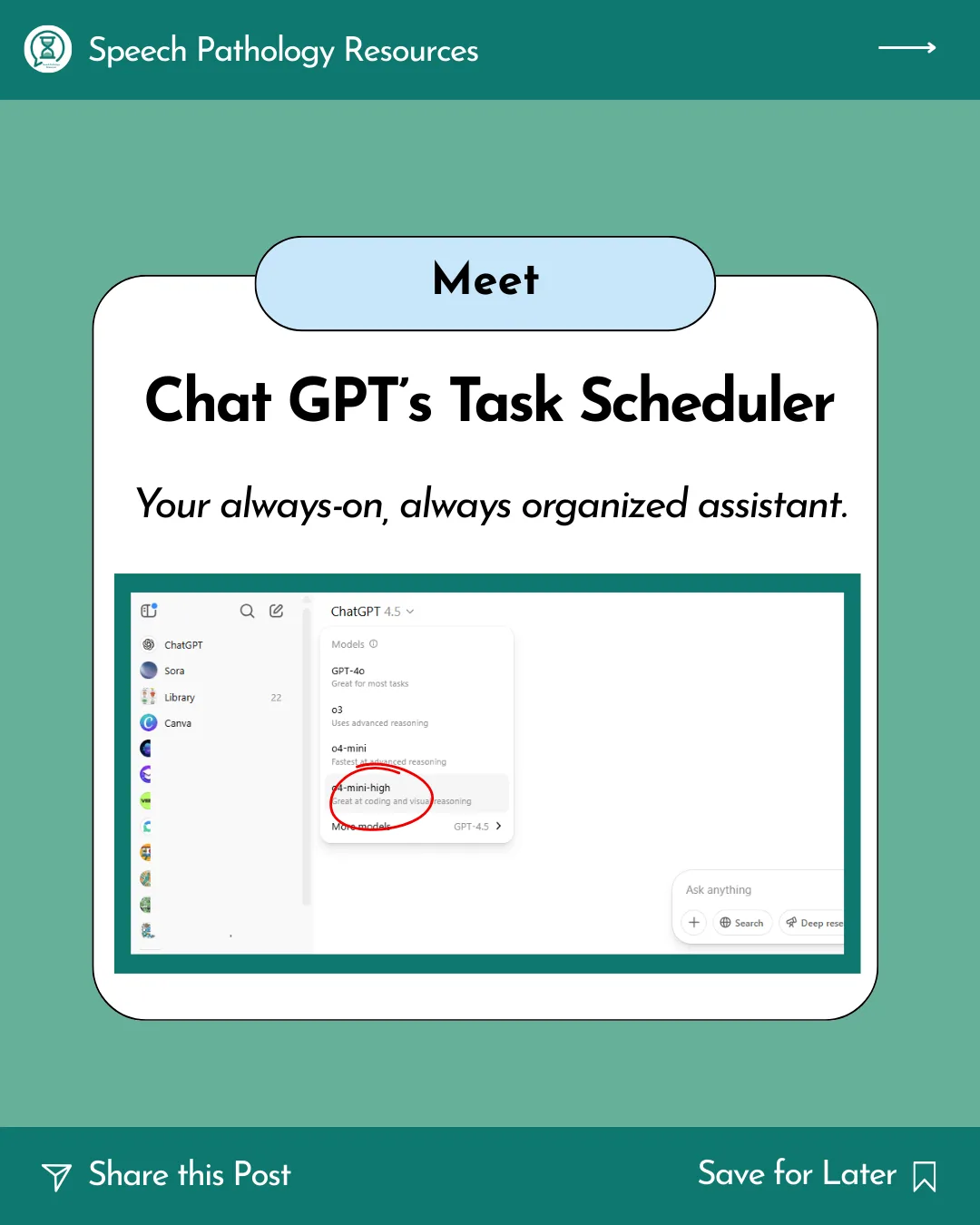
Open ChatGPT and ask it to schedule a reminder, or use Scheduled if it is available. You do not need the old o4-mini-high model instruction from the original version of this article.
-
Just type your task like you’re chatting with a PA:
“Every month, remind me to back up my therapy files.”
-
Review the task confirmation and notification settings, then check an initial run. Scheduled research can miss sources or produce errors; verify the original papers and dates before applying a summary to clinical work.
It’s your behind-the-scenes helper, keeping the wheels turning even while you’re sipping your tea or walking between school visits.
Want to Learn More?
My AI Toolkit and live workshops show you how to:
-
Set up Chat GPT as your own digital assistant
-
Use the Task Scheduler and other time saving Chat GPT features
You'll get real examples, prompts to copy, and time-saving templates.
Explore my AI Toolkit and upcoming live workshops
These prompts are reminders or drafts for you to review. They do not authorise sending client information to families or teams. Use generic examples when testing.
Current OpenAI scheduled-task guidance · Notification settings